July 2013
Two Ways to Never Forget Your Web Service Passwords
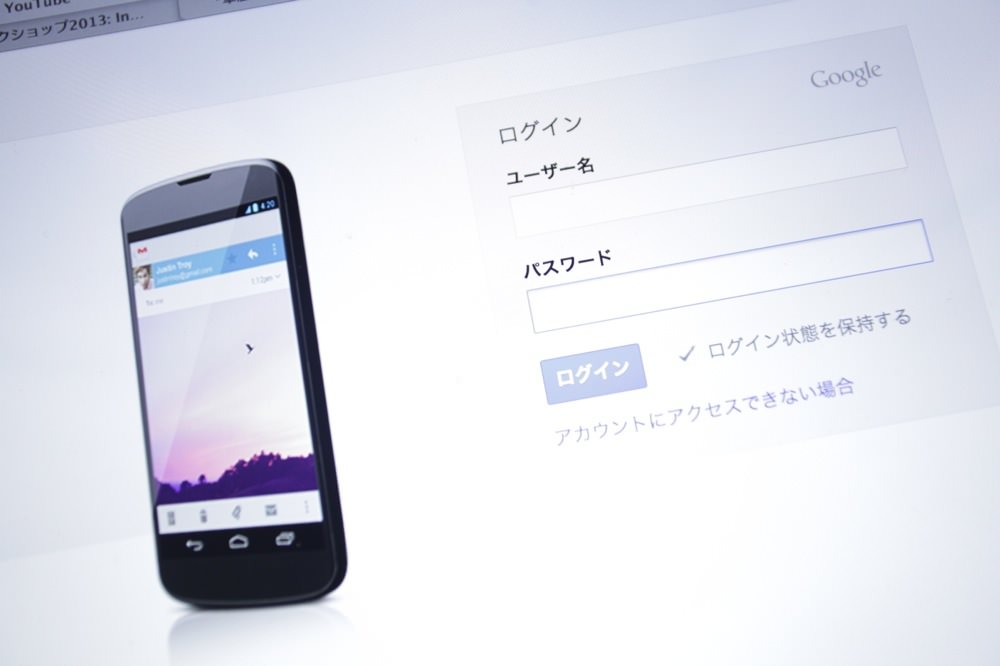
In this information society, most people use multiple web services: Gmail, Facebook, Twitter, etc. For those that let me log in with my Facebook ID, I just do that, but quite often I have to create a new ID and password, and honestly, managing them is a hassle. I can’t count how many times a password reset has saved me.
At work, Mr. Senda asked me, “Aoki, how do you manage your passwords?” and I answered, “I use a few passwords depending on the service. Other than that, Evernote and Gmail, I guess.”
But that felt a bit risky, so I looked into it and came up with a fairly good way to manage passwords, so I’m writing it down here.
If you use lots of web services and agonize over passwords every time, why not give it a try?
1. A fixed password + the first three letters of the service
You add the first three letters of the service to a fixed password. For example, say “aoki” is the password you always use. If the service is Yahoo, then
aoki + yahoo
becomes
“aokiyah”.
If it’s Google, then
it becomes “aokigoo”.
2. A fixed password + the first three letters of the service + a character matched to the last letter
Method 1 is probably fine, but if the rule is discovered, all your passwords would be exposed one after another.
So you need a fixed password + the first three letters of the service + something extra. That extra part should also follow a pattern, ideally one you barely have to memorize. What I came up with is to add a character matched to the last letter. Let’s use the vowels “a, i, u, e, o = aiueo” as the pattern.
For example
If the last letter is H (“eichi” = eichi), the vowel of the last letter is “i”
If the last letter is F (“efu” = efu), the vowel of the last letter is “U”
If the last letter is S (“eco” = eco), the vowel of the last letter is “O”
Like this.
Then, prepare a five-letter word that pairs up with the vowels (aeiou).
For example, “fresh,” “match,” “trick,” “beams,” “12345,” and so on.
If you use “fresh”:
f = a
r = i
e = u
s = e
h = o
That’s how it works.
For example, with Google as before, you get “aokigoo”, and if you use “fresh” as the paired five letters, “o = h”, so it becomes “aokigooh”. You could also use numbers like “12345” as the paired word.
What you need to remember is these three things:
- the fixed password
- use the first three letters of the service
- the five-letter word paired with the vowels of the last letter
If you do this, even if one gets exposed, the others shouldn’t be.
That’s what I came up with and wrote down, but reading the explanation, it smells a bit troublesome. lol
If you’re wondering how to manage your passwords, please try it if you like.