July 2013
I Changed Hibilog's Mobile Design

This past weekend, I overhauled the blog’s mobile design.
There were several reasons, but the biggest was that I wanted to change the mobile theme. I had been using WP-Touch, but everyone uses it, and I’d wanted to change it for a long time.
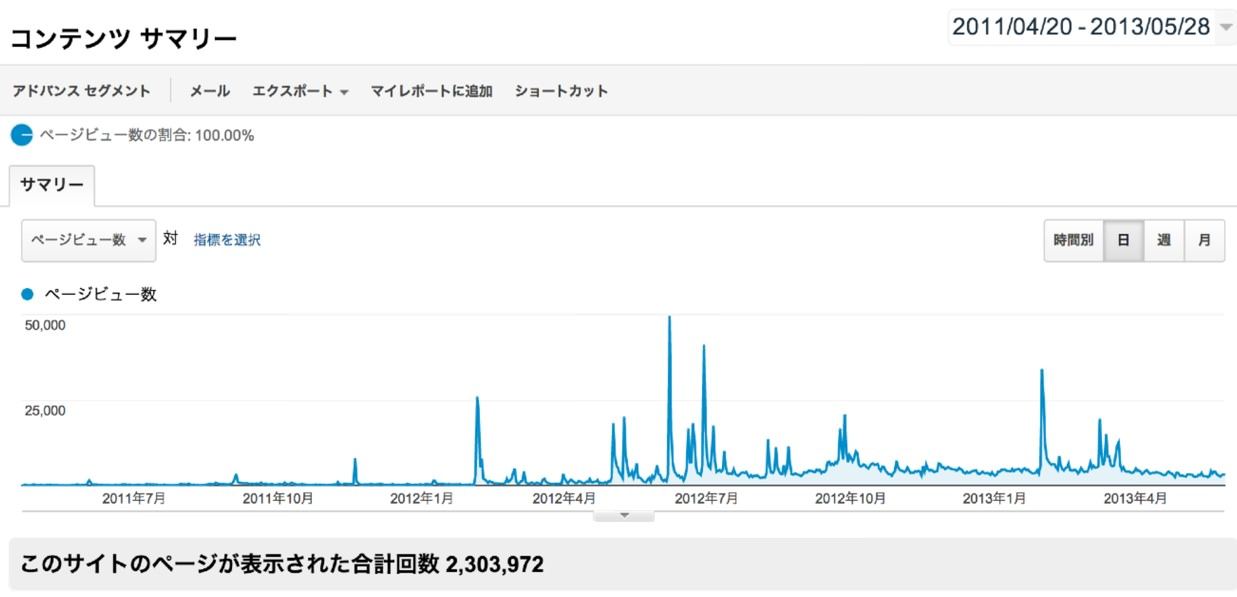
Looking at Analytics, the increase in mobile traffic is striking, and there were even articles saying that Google ranks you lower if you aren’t mobile-friendly. Also, with WP-Touch you can’t differentiate your site, which felt like a waste.
As always it’s WordPress, and the design template is from dessign.net. It’s a responsive design, and I used it for mobile only. At 39 dollars it’s cheap. Dessign has a lot of cool themes, so I recommend it. For switching to mobile, I used “Any Mobile Theme Switcher « WordPress Plugins”.
I also updated the roundup entries, and removed W3 Total Cache and CloudFlare. Lazy loading wasn’t working well, and sometimes the mobile view would show up on PC, among other troubles. Caching is hard.
There’s still a lot I want to change, so when I have time I’ll probably tidy up the categories, speed up the site, and make finer layout changes.
If you notice anything weird, I’d appreciate it if you quietly let me know!
▼ I wrote an earlier entry for people who want to make their own original blog, who want to build a site with WordPress but don’t know where to start, so please take a look if you like!
https://www.aokiu.com/2012/07/03/wordpress/For anyone who wants to start a serious blog! How anyone can easily install WordPress | Hibilog | A blog about traveling the world, daily life and reflections
In the next entry, I’ll write about tips for finding WordPress themes.
.