September 2012
Focus Fully on Writing: I Recommend Write Space for Chrome
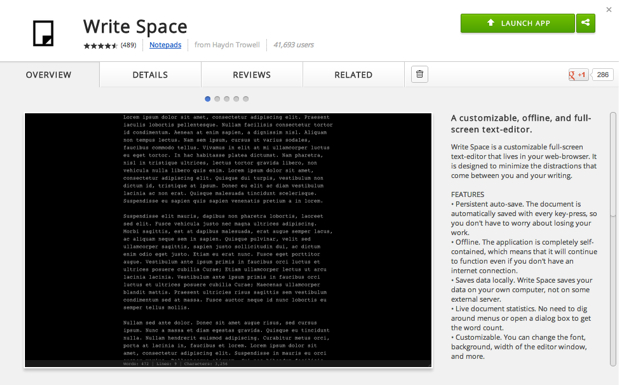
Lately there is a tool I use whenever I write blog posts: Write Space for Chrome. It is truly simple, with nothing but a space to write. No extra icons on the side, just a place that exists purely for writing. I use it not only for the blog but whenever I want to concentrate on writing something.

Empty state
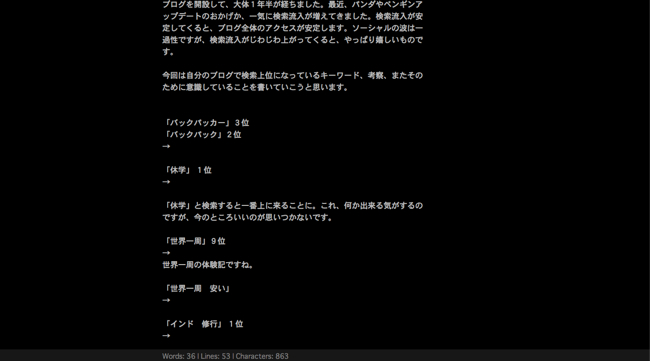
A rough draft of my previous post
I recommend using the full-screen mode. The Chrome icons disappear and the whole screen becomes a writing space, so nothing distracting gets in.
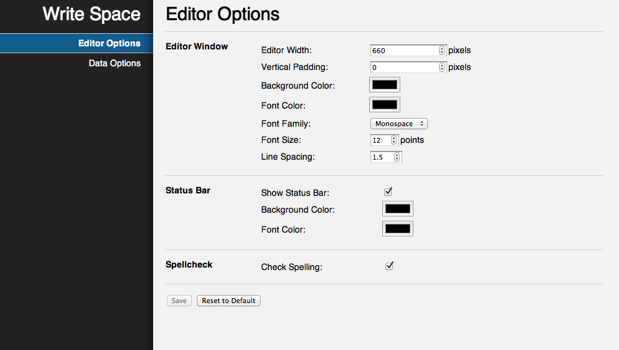
You can also customize Write Space in Chrome’s extension settings, and the background can be white or blue.
It also has an autosave feature, so you can write whether you are online or offline, which is handy. Even when Chrome crashed and the window closed, my text was still there.
By the way, it is a free extension. Not just for bloggers, I recommend it to anyone who wants to concentrate on writing.
WriteSpace
▼ I wrote this for people who want to start their own original blog.
https://www.aokiu.com/2012/07/03/wordpress/For Anyone Who Wants to Start a Real Blog! How Anyone Can Easily Install WordPress | Hibilog
Until now, I kept making blogs and deleting them. Ameblo, Livedoor, Blogger, and others whose names I have forgotten, and none of them lasted. I would push hard for the first three days, but before I knew it I had abandoned them. Maybe a lot of people are like that …