November 2013
Forcibly Blocking Social Media While You Work: The Forbidden App "SelfControl"
Because of my work I use a Mac a lot, and I use social media a lot too. More than half of my work runs through Facebook messages, and sometimes ideas come from my Twitter timeline, so it has become something I can’t live without. But because of that, I sometimes end up using it too aimlessly, so I recently started using a tool that limits my social media use.
What I’m introducing this time is a Mac app called “SelfControl.” It restricts access to sites by domain or IP address. You can set the time anywhere from 15 minutes to 24 hours. It’s so simple it hardly needs explaining, but I’ll introduce it briefly with some screenshots.
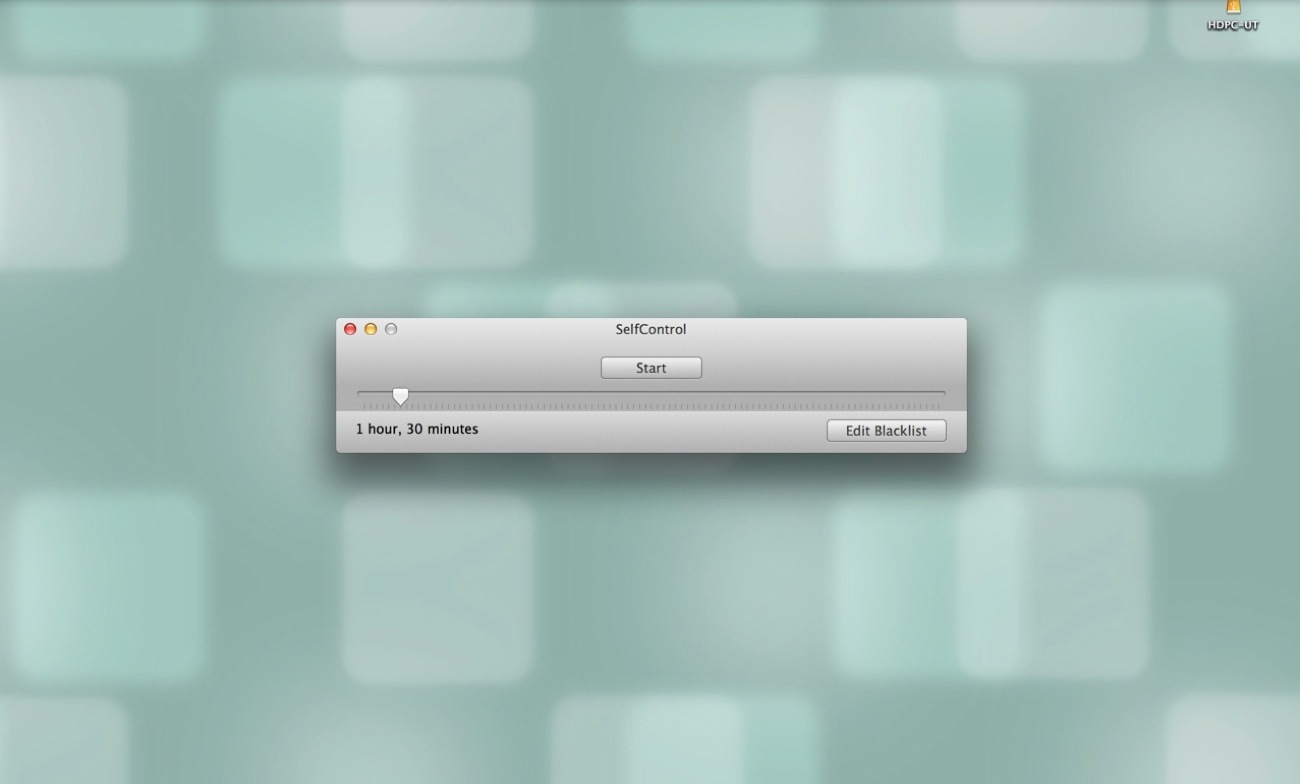
You can download the app from here. This is the settings screen. For now I’ve set it to an hour and a half.
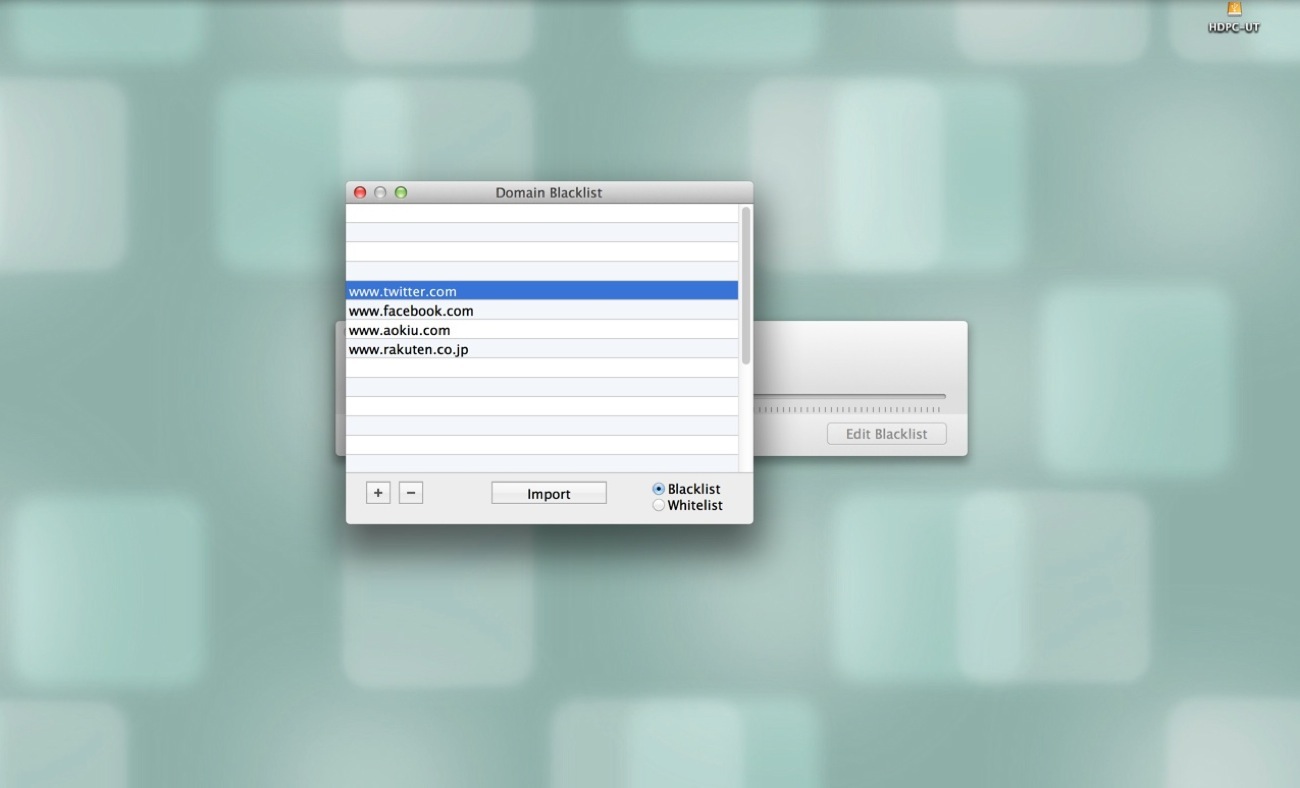
I specify the site domains I tend to look at while working. There are others too, but I’ve deliberately hidden them.
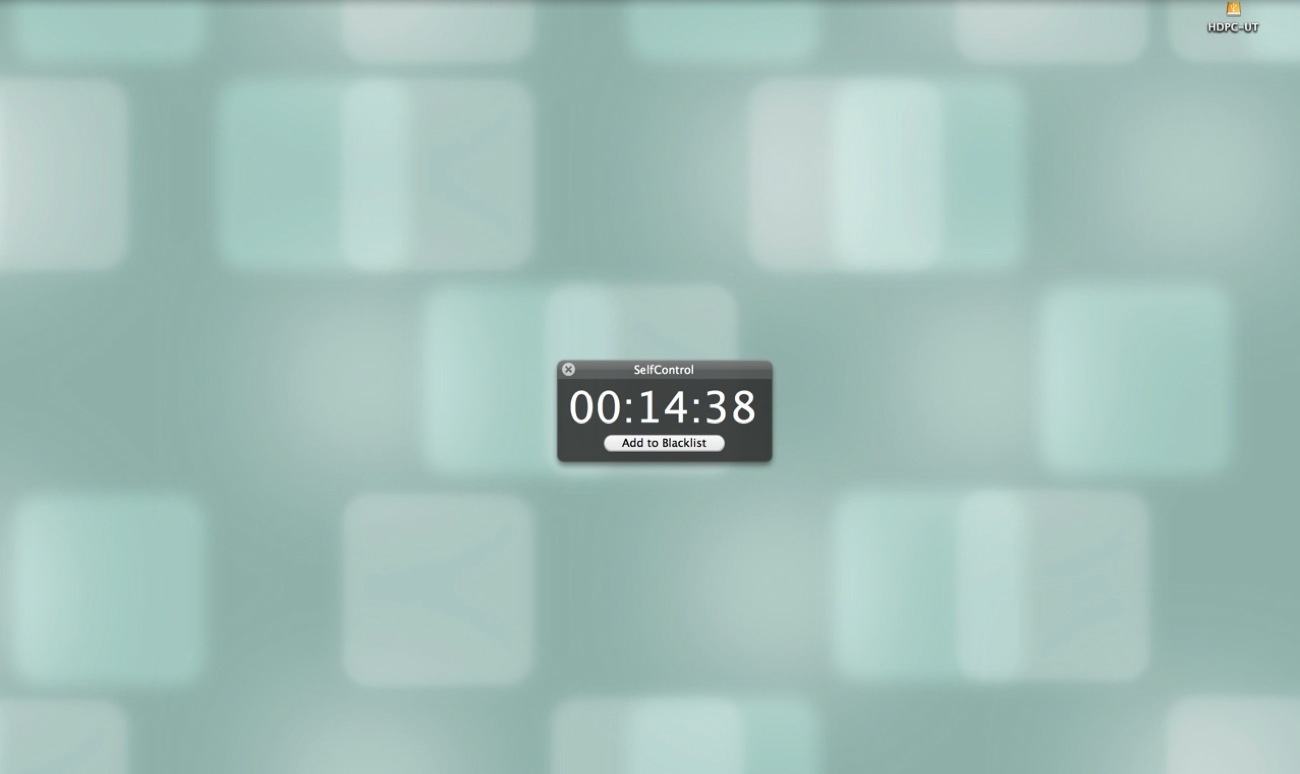
Then when you press the Start button, the app kicks in. The time appears like this, and apparently during that time you can’t access the specified sites even if you restart.
I launch this app when I decide, “For this next hour and a half, I’m going to do such-and-such.” The timer is surprisingly good at keeping me focused.
Something I’ve been feeling lately at work is that doing several things at once is inefficient. You end up half-committed to each and escaping to the easy option, like social media. It’s better to clearly separate time for thinking from time for gathering information, and I think using an app like this is a fine way to create that contrast.
Even while using this app, out of habit I often launch Safari, open Facebook, and think, “Oh, it won’t connect”… but all in all it does lead to self-restraint.
It’s a fairly well-known piece of software, but if you haven’t tried it yet and you tend to drift through social media, please give it a try.